
Camera setup
CP Plus IP Camera and NVR Setup for OmniNVR
A model-safe workflow for connecting CP Plus cameras and NVR channels through ONVIF or documented RTSP streams.
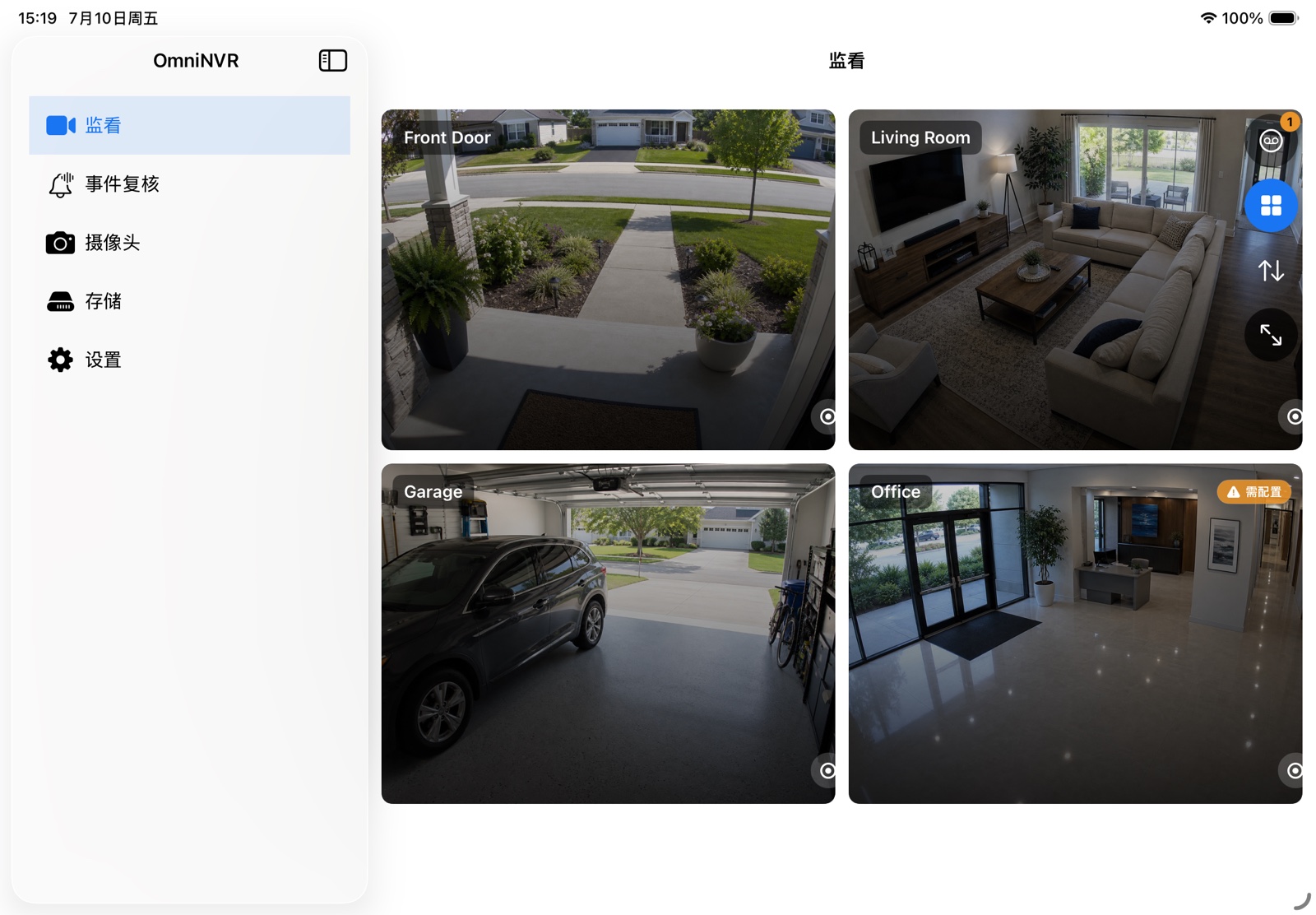
Compatibility is model- and firmware-specific. OmniNVR and TardisLabs are not affiliated with or endorsed by CP Plus.
Check compatibility before you start
Read the label for the full model and hardware version, download its current CP Plus manual, and update firmware from an official regional source. Give the camera a DHCP reservation and create a dedicated view-only account. Avoid published default-password lists; modern devices should be activated with a unique password.
If cameras are plugged into a CP Plus NVR's private PoE ports, connect OmniNVR to the NVR channel unless the recorder provides a supported virtual-host route to each camera.
Add the camera or NVR channel
Use OmniNVR's ONVIF discovery first. Select the main and sub profiles returned by the camera. If discovery is unavailable, copy the RTSP path from the exact CP Plus manual or the device web interface; do not assume every CP Plus camera follows the same OEM URL family.
After live view works, run a 15-minute recording test, restart the app, and verify the newest segment before scaling to every channel.
Choose recording roles
Use the lower-bitrate sub stream for continuous history when it has enough detail, and reserve the main stream for focused live view or event clips. This reduces storage and decode load without giving up high-quality evidence around important moments.
Before scaling up, record one camera for at least fifteen minutes, play it from the timeline, disconnect the network briefly, and restart OmniNVR. A working live preview alone does not prove that timestamps, recovery, and storage are reliable.
Troubleshooting checklist
- Brand path fails: match the URL to the complete model number and firmware branch.
- NVR channel mismatch: verify channel order in the recorder's local monitor.
- ONVIF search is empty: enable ONVIF, check VLAN multicast rules, and add by IP.
- Unstable high-resolution feed: validate the sub stream first, then raise bitrate gradually.
Frequently asked questions
Does every CP Plus camera work with OmniNVR?
No. The camera or recorder must expose a compatible RTSP, RTSPS, ONVIF, or HLS stream, and support varies by model, firmware, codec, power mode, and network topology.
Should I connect to the camera or the brand NVR?
Connect directly when the camera is reachable and you want independent streams. Connect to the NVR when cameras are isolated behind its PoE network or the recorder is the only endpoint that exposes each channel.
Can I expose the RTSP port to the internet?
Do not forward camera RTSP ports for long-term remote access. Keep cameras local and use a trusted VPN when remote viewing is required.
Sources and further reading
Build your NVR on the Apple devices you already own.
Monitor, record, review, and retain RTSP and ONVIF camera video locally.