
Protocols
RTSP vs ONVIF: What an NVR Uses Each Protocol For
RTSP and ONVIF are complementary, not interchangeable. Learn how discovery, media profiles, PTZ control, and video streaming fit together.
What RTSP contributes
RTSP gives the client a control channel for a media presentation. A recorder can request a description, set up one or more streams, start playback, keep the session alive, and tear it down. It does not standardize every camera configuration screen, PTZ operation, or vendor discovery mechanism.
Direct RTSP entry is valuable when you already know the correct stream URL or when ONVIF discovery is unavailable. It can also expose a specific channel or sub stream that is easier to select manually.
What ONVIF contributes
ONVIF promotes standardized interfaces for IP-based physical security products. Profiles group sets of capabilities so clients and devices can declare a common contract. A device may support more than one profile, and only registered conformant products should be assumed to meet the profile rules.
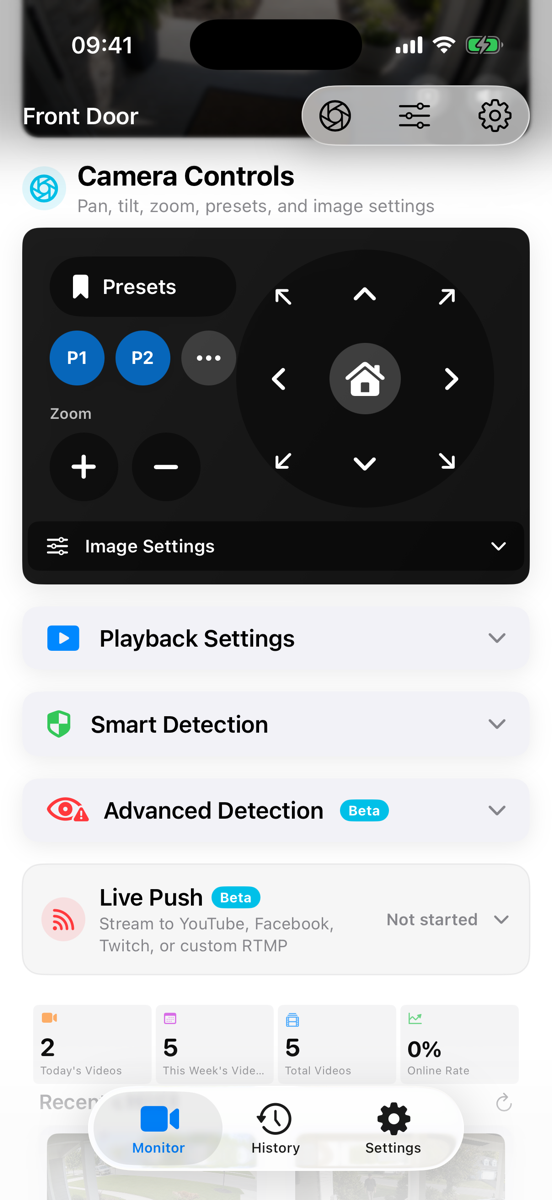
For an NVR, ONVIF can simplify discovery, device identity, media profile selection, PTZ, presets, and imaging controls. Actual behavior still varies, especially on devices that claim “ONVIF compatible” without registered conformance.
Which should you choose?
Use ONVIF discovery first when you want the application to enumerate cameras and profiles. Use a direct RTSP or RTSPS URL when you need exact control over the selected stream, when multicast discovery is blocked, or when a camera exposes video but only partial ONVIF services.
The strongest setup is often both: ONVIF for discovery and controls, RTSP/RTSPS for media. Test PTZ separately from video because one can work while the other fails.
A compatibility checklist
- Is the device registered for an ONVIF Profile, and which one?
- Does the selected profile return a reachable media URI?
- Does the stream codec match the recorder?
- Are PTZ coordinates, presets, and home position implemented?
- Are the camera and client on the same discovery domain or routed network?
Do not reduce compatibility to a protocol logo. Verify the operations your installation actually needs.
Frequently asked questions
Does ONVIF carry the video?
ONVIF media services describe and select profiles and can provide media URIs. The actual camera stream is commonly accessed through RTSP/RTP, depending on the device profile and implementation.
Why can OmniNVR find a camera but not play it?
Discovery and media playback are separate steps. The camera may return an unreachable address, unsupported codec, wrong profile, or credentials that do not authorize the media service.
Can PTZ work with a manually entered RTSP URL?
PTZ needs a camera control service such as ONVIF or a vendor API. A raw RTSP URL alone normally does not describe PTZ capabilities.
Sources and further reading
Build your NVR on the Apple devices you already own.
Monitor, record, review, and retain RTSP and ONVIF camera video locally.