
Architecture
Local NVR vs Cloud Camera Recording
Compare local NVR and cloud camera recording across privacy, bandwidth, resilience, remote access, maintenance, and total control.
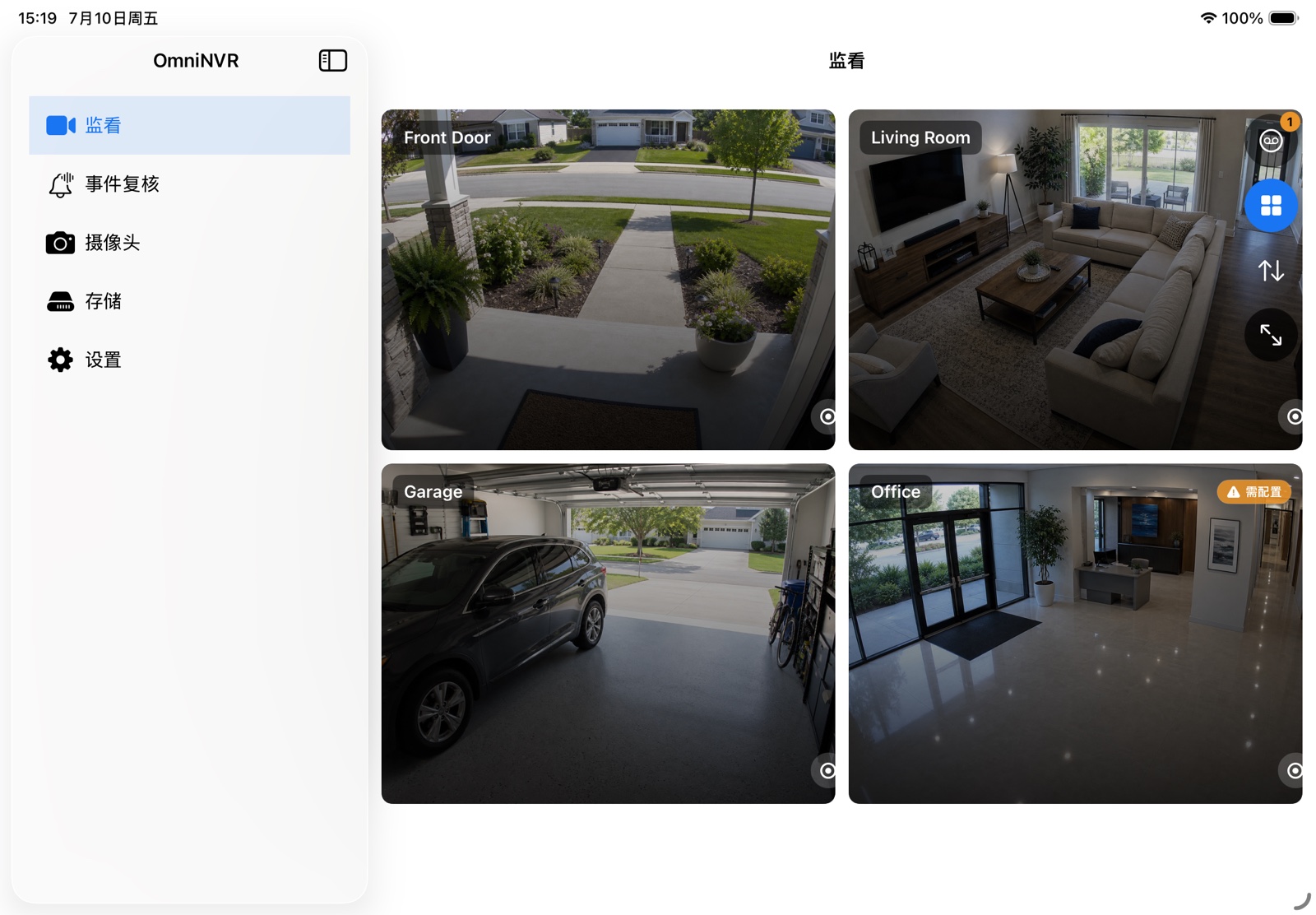
Privacy and data path
With a local NVR, camera traffic can remain on the LAN and recordings can stay on a selected local or external volume. This reduces the number of systems that handle footage, but it does not automatically make the installation secure. Weak camera passwords, exposed ports, flat networks, and an unattended recorder still create risk.
Cloud recording adds a provider account, remote service, and internet data path. Evaluate encryption, retention, account recovery, sharing, regional storage, and whether local viewing still works when the service is unavailable.
Bandwidth and outage behavior
Local recording uses LAN bandwidth and storage writes but does not need to upload every camera continuously. Cloud recording can consume significant upstream bandwidth, especially with several high-bitrate cameras. Some products buffer locally during an outage; others create a gap.
A local NVR can keep recording during an internet outage if cameras, host, and storage remain powered and reachable. Remote viewing and third-party integrations may still be unavailable.
Operations and responsibility
Cloud services simplify off-site access and provider-managed storage, usually in exchange for ongoing fees and platform dependency. Local NVRs give you control over capacity, retention, and integration, while making you responsible for drive health, updates, backup, secure remote access, and disaster recovery.
Neither model removes operational work; it moves the boundary. Choose based on which responsibilities you can actually maintain.
A hybrid approach
Many installations use local continuous recording plus selective off-site exports or notifications. This preserves local coverage while keeping a limited remote path for events that matter. Design the hybrid flow deliberately so it does not quietly become full cloud upload.
OmniNVR focuses on local recording and on-device processing, with optional services enabled by the user. That makes the default data path easier to reason about.
Frequently asked questions
Will a local NVR work without internet?
Local camera viewing and recording can work without internet when the cameras, recorder, and storage remain on the same reachable network. Optional remote services will not.
Is local recording always more secure?
No. It reduces external data movement, but security still depends on credentials, updates, network isolation, physical access, and remote-access design.
Can local and cloud recording be used together?
Yes. A hybrid setup can keep continuous footage locally and send selected alerts or exports to another service, subject to the chosen integration and privacy policy.
Sources and further reading
Build your NVR on the Apple devices you already own.
Monitor, record, review, and retain RTSP and ONVIF camera video locally.