
NVR comparison
OmniNVR vs Agent DVR: Native Apple App or Cross-Platform Server?
Compare OmniNVR with Agent DVR across Apple experience, Windows/Linux/Docker hosting, browser access, camera protocols, recording, AI, and remote-service licensing.
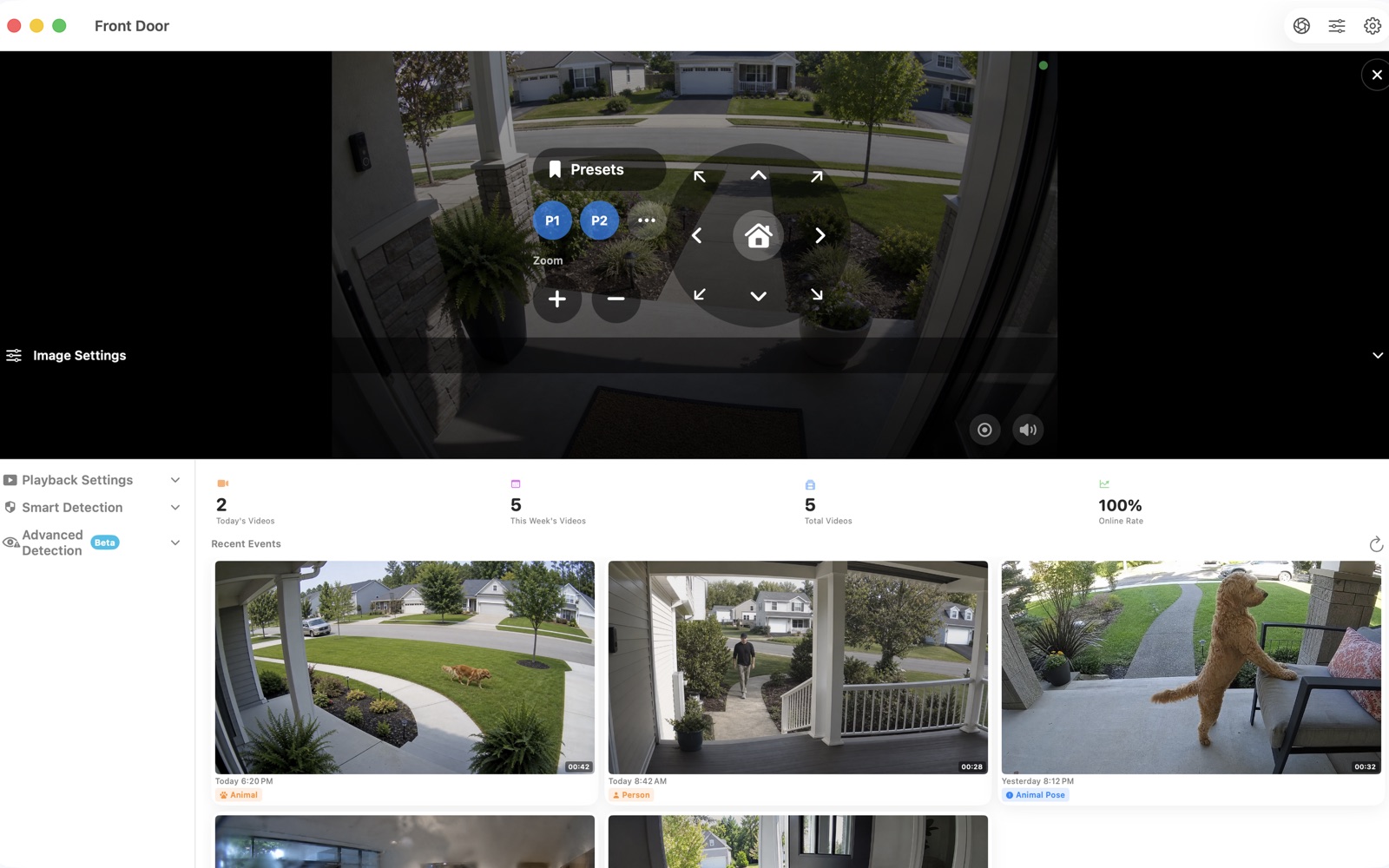
Fact-checked against official sources on July 13, 2026. Features, system requirements, and prices may change. Product names and trademarks belong to their respective owners; OmniNVR and TardisLabs are not affiliated with the compared vendors.
Quick verdict
Choose OmniNVR when the users and recorder live in the Apple ecosystem and you do not want to operate a separate web server. Choose Agent DVR when one service must run across Windows, macOS, Linux, Docker, or Raspberry Pi and be administered from browsers.
The original iSpy desktop software is now the legacy product; the vendor directs new development and support to Agent DVR. Comparisons should therefore use Agent DVR's current server, WebRTC, mobile, licensing, and AI documentation.
Side-by-side comparison
| Dimension | OmniNVR | Agent DVR |
|---|---|---|
| Architecture | Native Apple app | Background service + browser UI |
| Host platforms | Apple ecosystem | Windows, macOS, Linux, Docker, Raspberry Pi |
| Inputs | RTSP, RTSPS, HLS, ONVIF | IP/ONVIF/RTSP, USB and audio devices |
| Stream roles | Continuous sub + event main workflow | Live/detect and high-quality record streams |
| Detection | On-device motion, person and sound | Motion, tracking, object, face, plate, sound and external AI |
| Local use | Local-first app | Private local use available without hosted remote subscription |
| Remote use | Use a secure network path/VPN as appropriate | Hosted WebRTC remote access and apps require relevant plan |
| Best fit | Apple home or small site | Cross-platform self-hosted server |
Where OmniNVR is simpler
Agent DVR is flexible because it separates the server from its clients. That also introduces service ports, browser authentication, media negotiation, storage folders, and remote-access decisions. OmniNVR keeps the ordinary workflow inside the Apple application: discover or enter a stream, choose recording behavior, review events, and manage retention.
For one household or small studio, the native interface may be more valuable than being able to move the server between operating systems. Camera credentials can remain in Keychain, and an additional web control plane is not required for basic local use.
Where Agent DVR is stronger
Agent DVR is the better fit when you need one cross-platform server, effectively hardware-limited camera counts, broad USB/audio input support, WebRTC browser access, or a more extensive detection and plugin ecosystem. It can keep local recordings without forcing a remote subscription, while paid plans add hosted connectivity and commercial rights.
Its server/client separation is also useful when many non-Apple computers need the same interface. That is a deliberate architecture advantage, not unnecessary complexity in every deployment.
Licensing and remote access
Agent DVR's official pricing distinguishes private local use from hosted remote services and commercial use. Some remote playback quality and service features vary by plan. OmniNVR is distributed through the App Store; check the current in-app purchase terms rather than assuming a perpetual or subscription model.
Compare the exact workflow you need: local LAN recording can be inexpensive in either product, while secure remote access has infrastructure or service costs even when the recorder itself is free.
Which should you choose?
Choose OmniNVR for a direct Apple-native recorder and viewer with minimal server administration. Choose Agent DVR for a cross-platform, browser-controlled service that can grow into more inputs, detectors, and client types.
Frequently asked questions
Is Agent DVR free?
Agent DVR allows private local use without paying for hosted remote services. Commercial use, managed remote access, mobile push, and plan-specific remote playback features are covered by the vendor's current licensing and subscriptions.
Does Agent DVR run on Mac?
Yes. Agent DVR supports macOS as well as Windows, Linux, Docker, and Raspberry Pi. Its primary control surface is a browser, unlike a native Apple-first OmniNVR workflow.
Is iSpy the same as Agent DVR?
No. The vendor describes iSpy as its older Windows desktop product and Agent DVR as the modern replacement receiving new development.
Sources and further reading
Build your NVR on the Apple devices you already own.
Monitor, record, review, and retain RTSP and ONVIF camera video locally.