
Apple TV
How to View RTSP and ONVIF Cameras on Apple TV
Use Apple TV as a large-screen IP-camera viewer, understand what runs on the TV, and decide where the NVR recording host should live.
Use Apple TV for the big-screen role
A television is useful for entrances, shops, workshops, and common areas where several people need passive awareness. The interface should support focus navigation, clear camera names, and quick switching without bringing desktop configuration forms onto the television.
Start with a small set of priority cameras. A remote-control interface becomes slow when every diagnostic and setup action is exposed at the top level.
Connect cameras on the local network
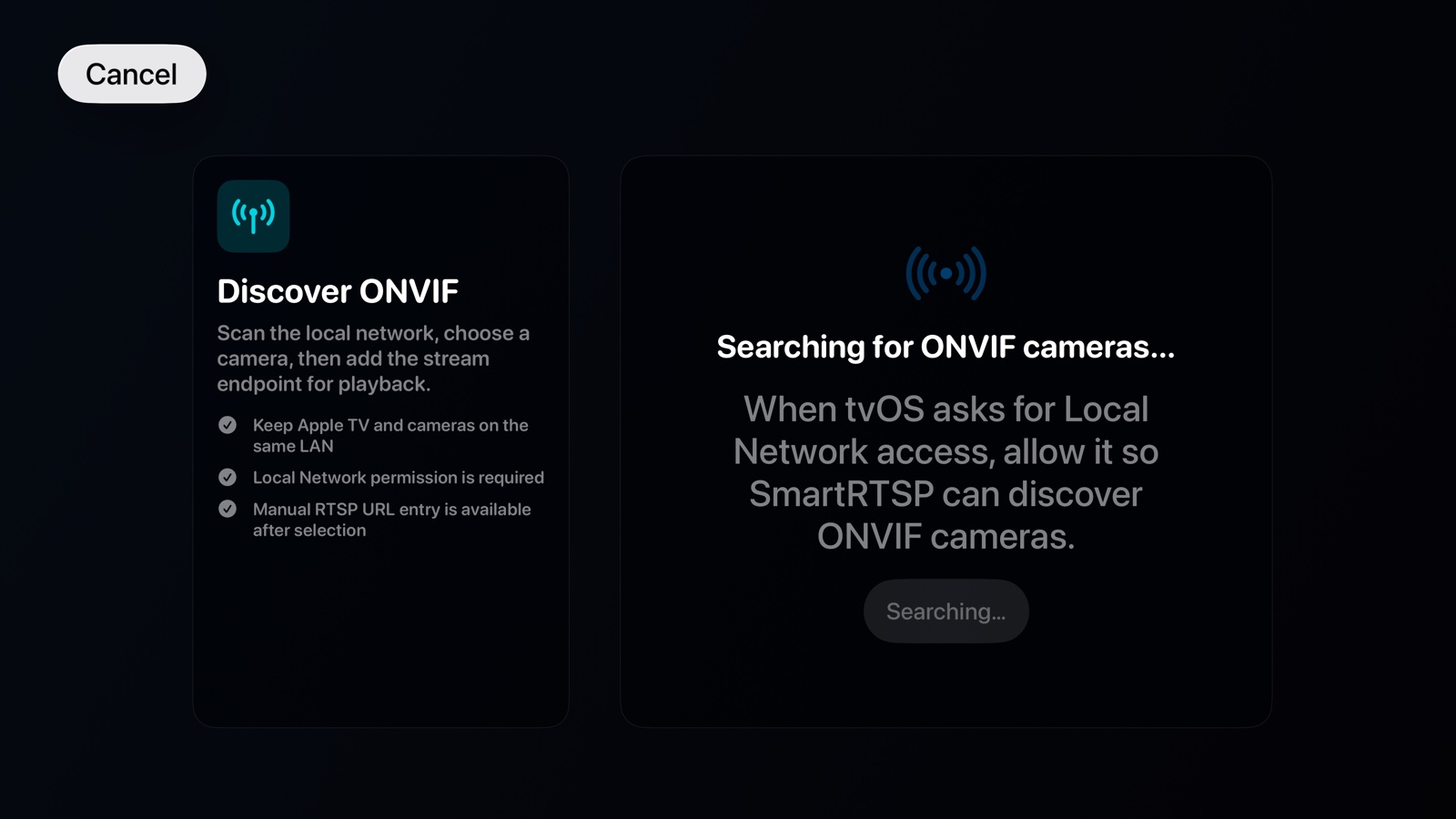
Keep Apple TV and cameras on networks that can route the required media and discovery traffic. ONVIF multicast discovery may not cross VLANs by default, so manual camera entry or explicit network configuration may be necessary.
Use a dedicated camera account. If the Apple TV app syncs configuration from another Apple device, verify which fields sync and how credentials are protected before relying on it.
Separate viewing from recording
Apple TV is optimized as a media endpoint, not as an attached-disk recorder. For continuous NVR recording, choose a host with dependable background execution and storage, such as a Mac in the OmniNVR system. Apple TV can then present the live wall while the recorder maintains the timeline.
This separation also lets the television sleep or restart without creating a recording gap.
Design for remote control
Use stable camera order, large focus targets, and one clear action to open a camera. Avoid controls that require fine pointer movement. PTZ can be useful, but it should not make ordinary camera selection harder.
Test focus after reconnects and app relaunches. A living-room interface should return to a predictable camera hub instead of exposing a technical error console.
Frequently asked questions
Can Apple TV record cameras continuously?
Use Apple TV primarily as a viewing endpoint. For reliable continuous recording, an always-on host with persistent storage is the better architecture.
Does Apple TV discover ONVIF cameras?
Discovery depends on the app and network. Multicast discovery may be blocked across guest networks or VLANs, so manual setup can still be required.
Can I use PTZ from Apple TV?
OmniNVR supports an Apple TV experience with camera control, subject to the camera exposing compatible ONVIF PTZ services.
Sources and further reading
Build your NVR on the Apple devices you already own.
Monitor, record, review, and retain RTSP and ONVIF camera video locally.