
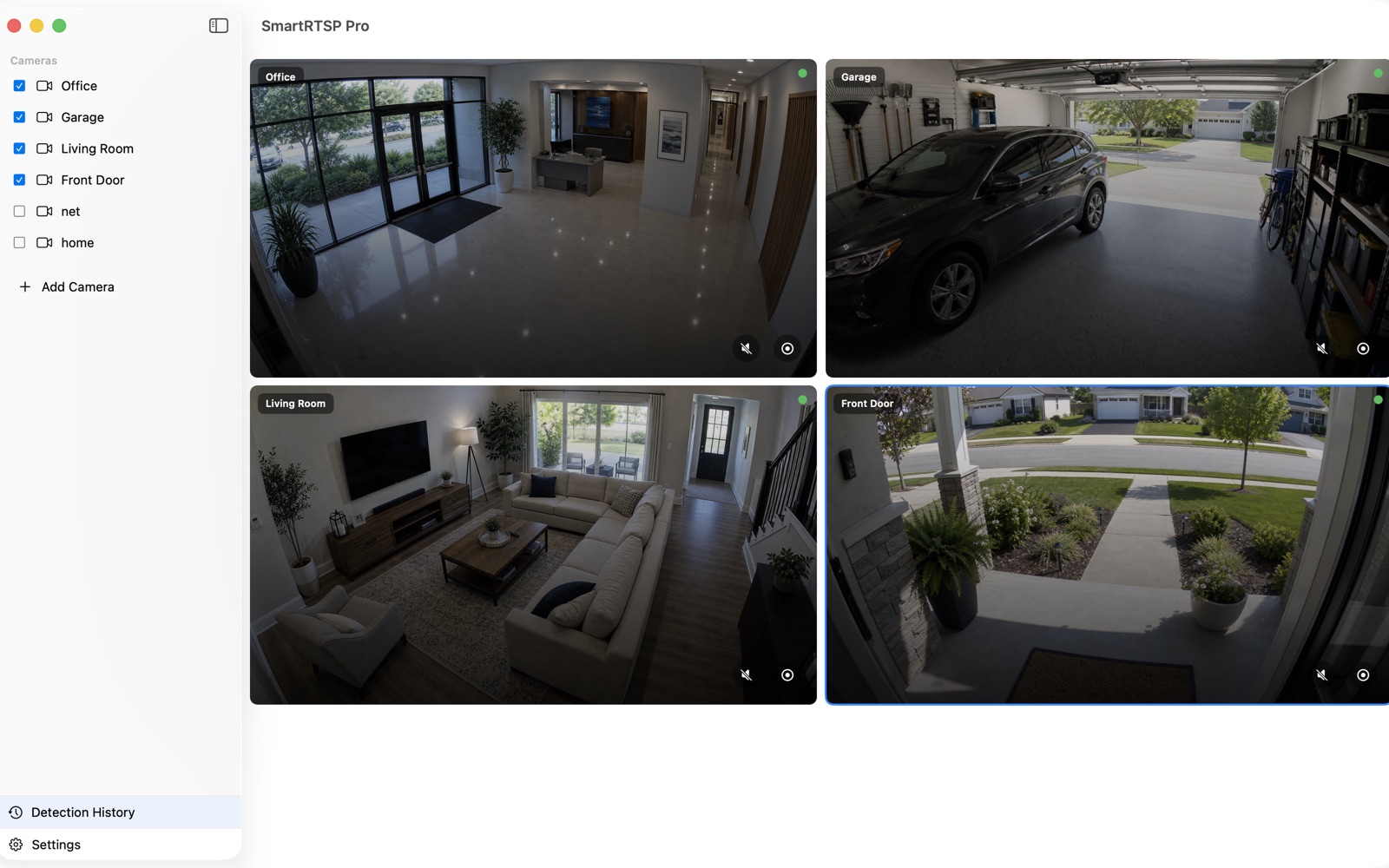
NVR comparison
Best NVR Software in 2026: A Practical Comparison
Compare OmniNVR, Blue Iris, Agent DVR, SecuritySpy, Frigate, Scrypted, Synology, Shinobi, ZoneMinder, and Nx Witness by platform, deployment, AI, and licensing.
14 min readOmniNVR Guides
Clear, source-backed guides for camera setup, NVR software selection, RTSP, ONVIF, recording, storage, privacy, and Apple devices.
Choose the right recorder
Fact-checked comparisons with Blue Iris, Agent DVR, SecuritySpy, Frigate, Scrypted, Synology, Linux NVRs, and enterprise VMS software.
Compare OmniNVR, Blue Iris, Agent DVR, SecuritySpy, Frigate, Scrypted, Synology, Shinobi, ZoneMinder, and Nx Witness by platform, deployment, AI, and licensing.
14 min readCompare OmniNVR and Blue Iris by platform, camera scale, ONVIF and RTSP support, recording, AI, remote access, licensing, and setup effort.
10 min read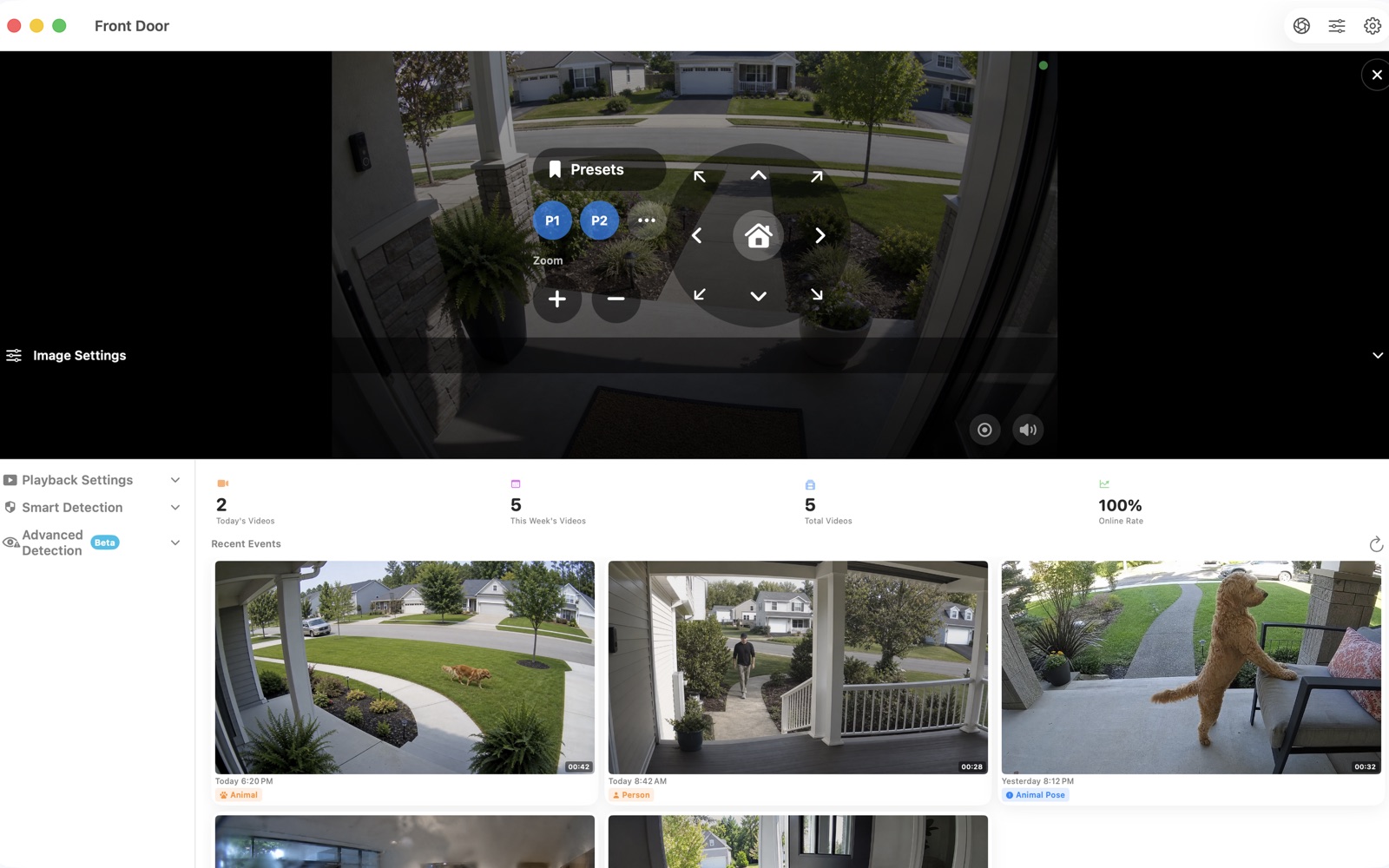
Compare OmniNVR with Agent DVR across Apple experience, Windows/Linux/Docker hosting, browser access, camera protocols, recording, AI, and remote-service licensing.
10 min read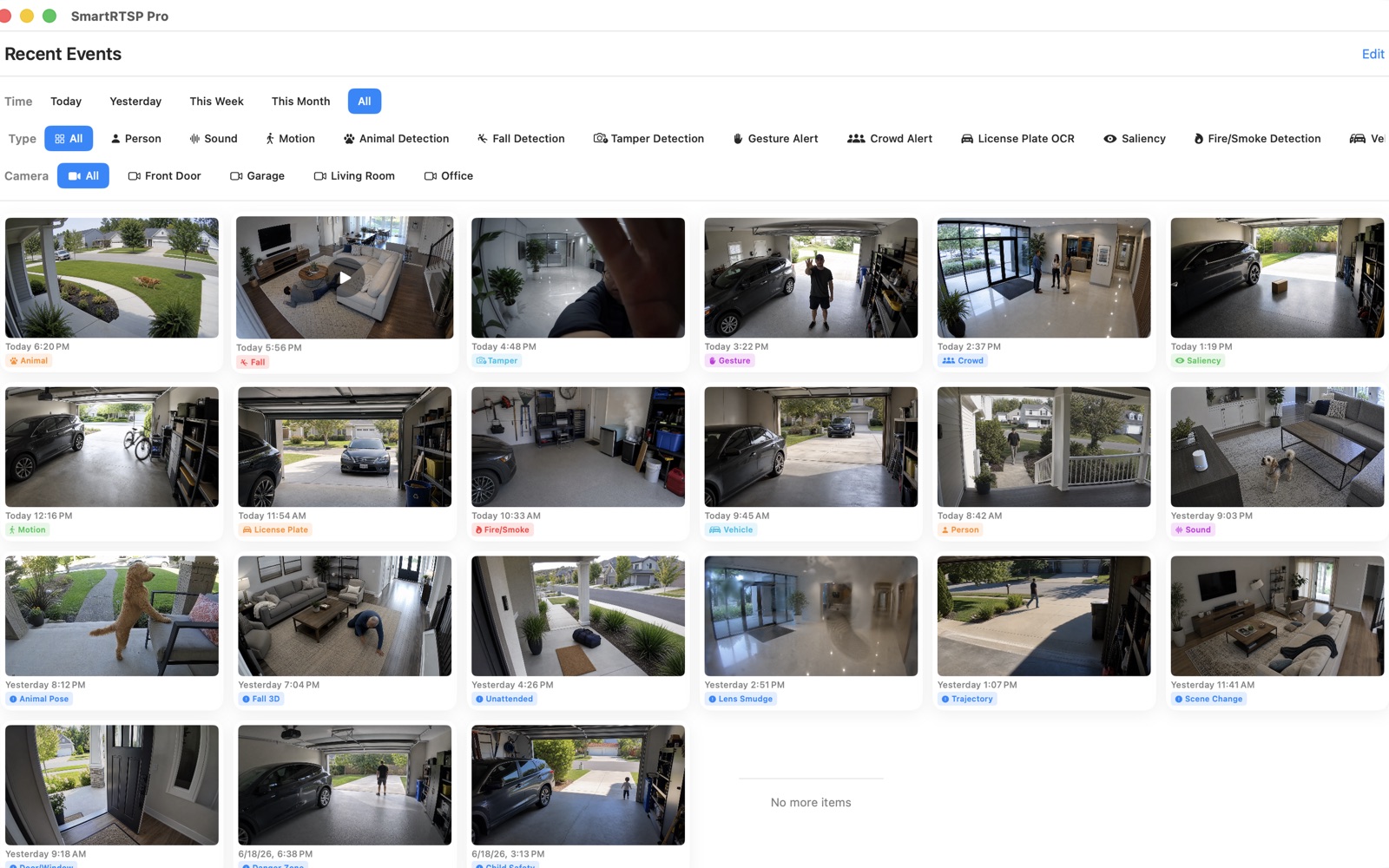
Compare two Apple-focused NVR options by Mac deployment, iPhone and Apple TV access, ONVIF and RTSP, recording, automation, licensing, and setup depth.
10 min read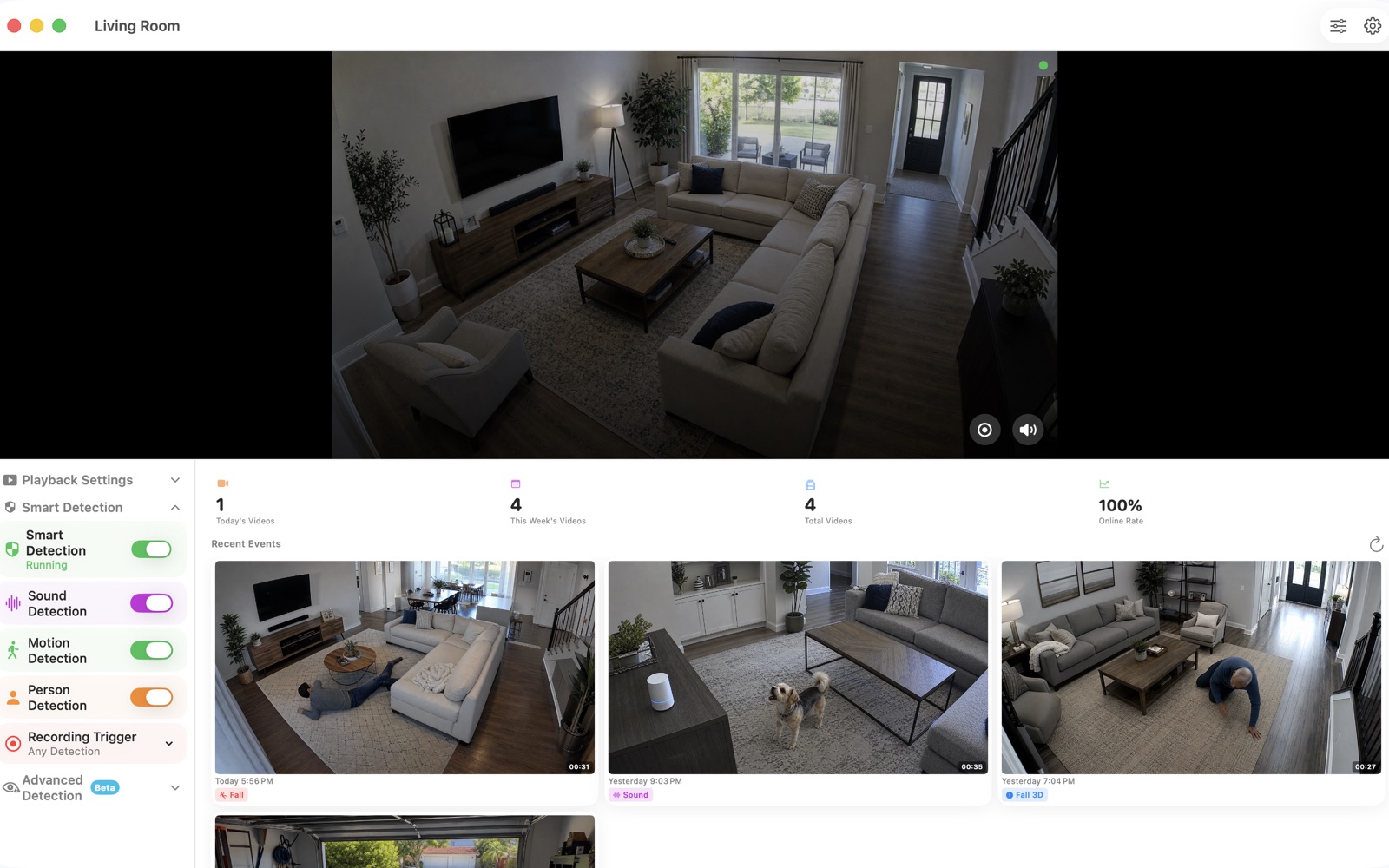
Compare OmniNVR and Frigate for local recording, Home Assistant, Docker, object detection, hardware accelerators, Apple viewing, and setup complexity.
11 min readCompare OmniNVR and Scrypted NVR by Apple experience, supported cameras, local recording, AI search, HomeKit bridging, storage, subscriptions, and server upkeep.
11 min readCompare OmniNVR with Synology Surveillance Station by required hardware, camera licenses, ONVIF and RTSP, recording, AI, mobile access, storage, and maintenance.
10 min readCompare OmniNVR with two self-hosted NVR systems by Linux deployment, protocols, recording, AI plugins, web access, licensing, and maintenance effort.
11 min readCompare OmniNVR with Nx Witness by deployment scale, camera integration, clients, recording, analytics, licensing, multi-site management, and operational fit.
9 min readCamera compatibility
Model-aware instructions for direct camera streams and brand NVR channels.
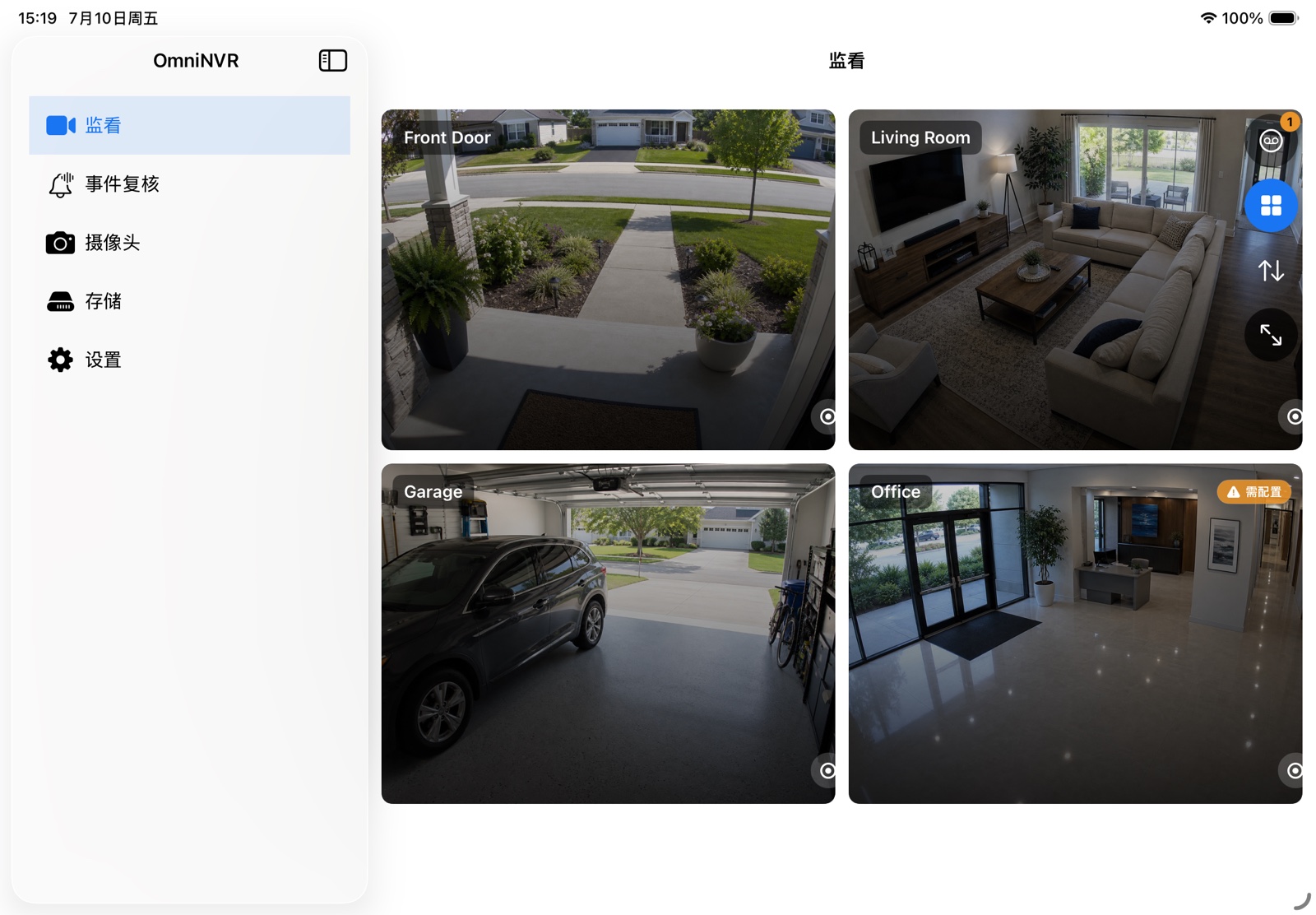
Connect Hikvision IP cameras, DVRs, and NVR channels to OmniNVR with the correct RTSP channel IDs, main/sub streams, and ONVIF settings.
9 min readSet up compatible Reolink cameras or Reolink NVR channels in OmniNVR using RTSP main/sub streams, ONVIF discovery, and stable recording settings.
9 min readUse Dahua camera and recorder RTSP URLs, channel numbers, stream subtypes, and ONVIF accounts for reliable OmniNVR viewing and recording.
8 min readCreate a Tapo camera account, use stream1 and stream2, understand battery-model limits, and record compatible Tapo cameras with OmniNVR.
9 min readConnect TP-Link VIGI cameras to OmniNVR through ONVIF or RTSP, choose profiles, and diagnose third-party NVR connection failures.
8 min readCheck EZVIZ model compatibility, use the verification code or local-connectivity password, and add supported camera streams to OmniNVR.
8 min readUse Axis VAPIX RTSP media paths, stream profiles, camera channels, and ONVIF discovery with OmniNVR.
8 min readConnect supported Intelbras VIP cameras and recorder channels to OmniNVR with main/extra stream URLs and ONVIF.
8 min readIntegrate current Ajax video devices or Ajax NVR streams with OmniNVR using ONVIF authorization and the RTSP links supplied by Ajax.
8 min readA model-safe workflow for connecting CP Plus cameras and NVR channels through ONVIF or documented RTSP streams.
8 min readCheck eufy model support, enable NAS/RTSP where available, and connect a compatible powered camera to OmniNVR without assuming universal support.
7 min readUnderstand legacy Wyze RTSP firmware, current model limitations, and the community Docker Wyze Bridge path to OmniNVR.
8 min readPlan and operate
Recording, storage, RTSP, ONVIF, remote access, Apple platforms, and troubleshooting.
Learn how a software NVR records RTSP and ONVIF cameras, how it differs from a hardware recorder, and when an Apple device can be the right NVR host.
8 min read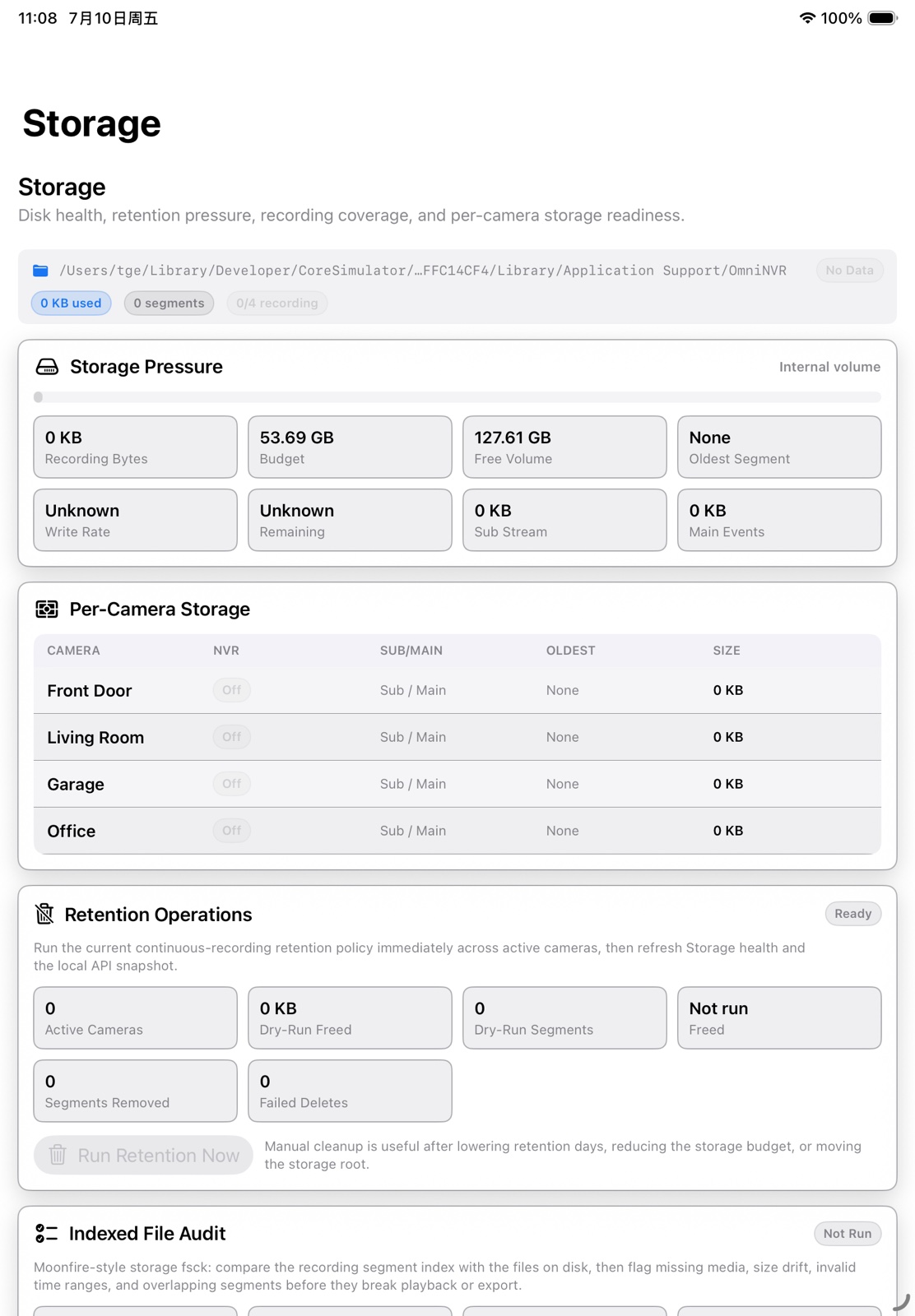
A step-by-step plan for using a Mac as a local NVR with RTSP or ONVIF cameras, external storage, continuous recording, and timeline review.
10 min read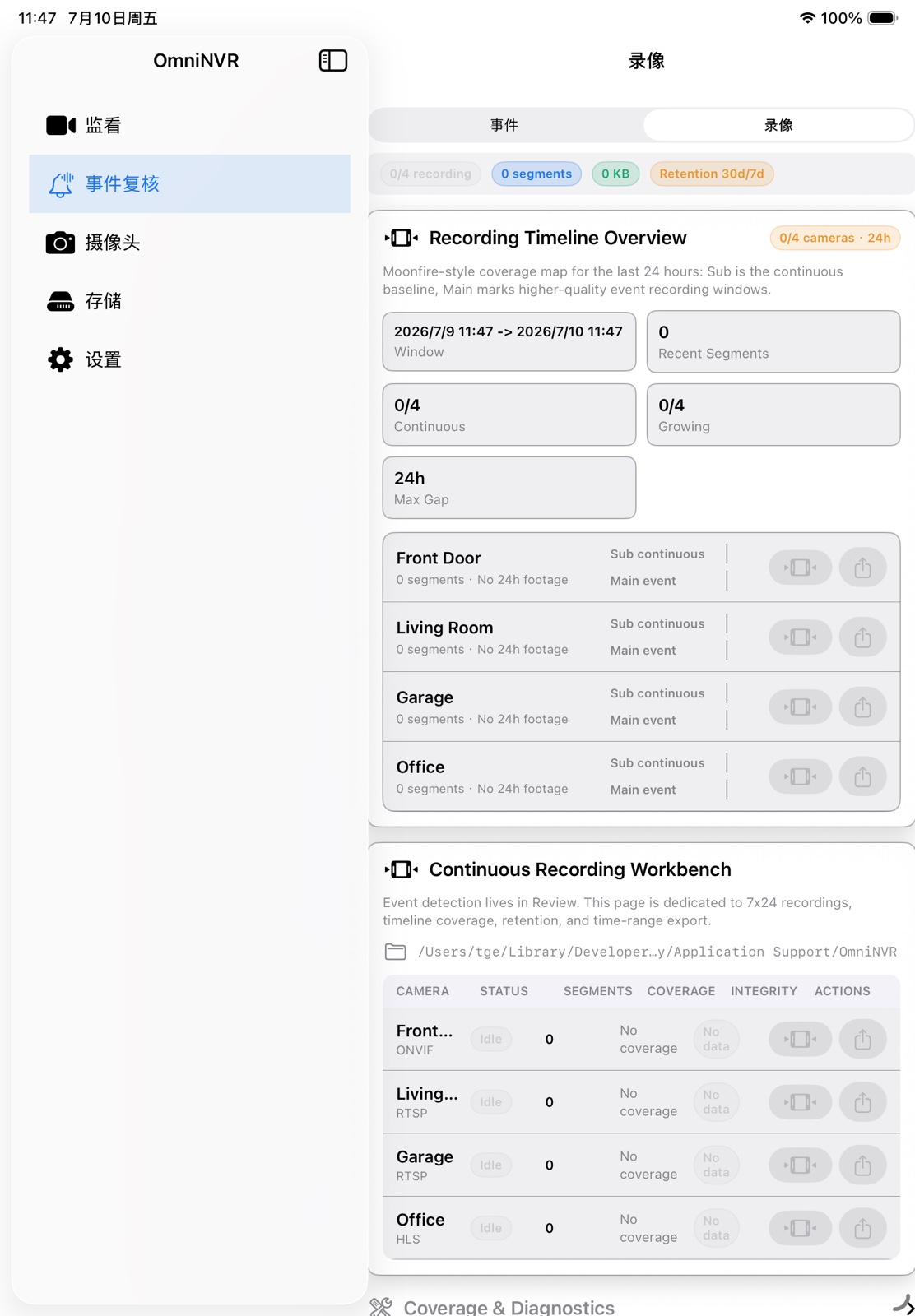
Understand the RTSP session, choose TCP or UDP, add camera URLs safely, and validate a reliable local NVR recording path.
9 min read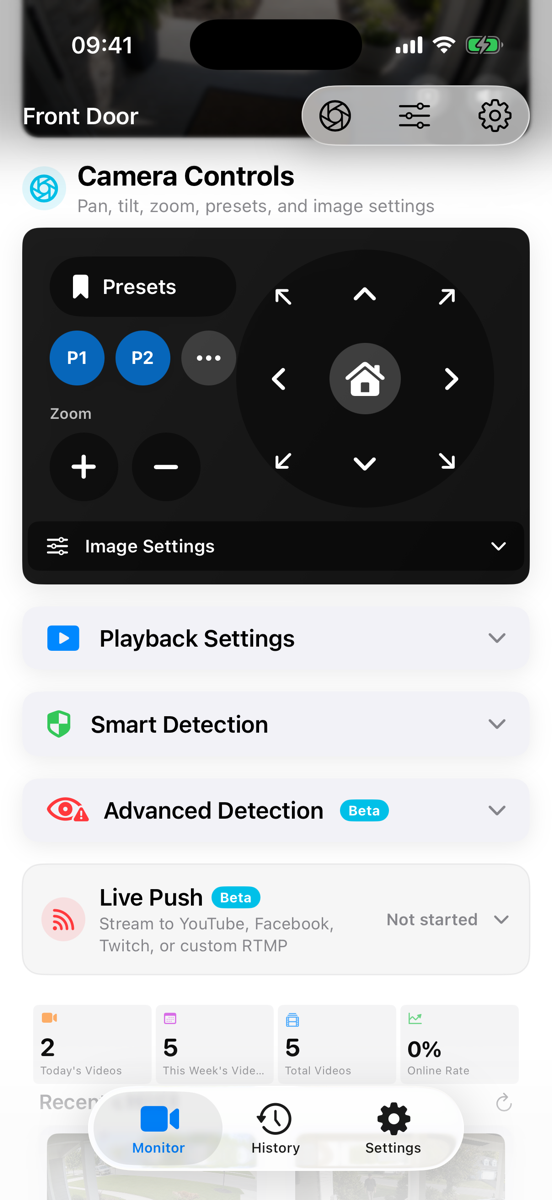
RTSP and ONVIF are complementary, not interchangeable. Learn how discovery, media profiles, PTZ control, and video streaming fit together.
8 min read
Compare continuous, event-triggered, and hybrid NVR recording policies for evidence coverage, storage use, review time, and reliability.
8 min readEstimate IP-camera storage, choose a safe disk budget, and build retention rules that keep recording without filling the drive.
9 min readCompare local NVR and cloud camera recording across privacy, bandwidth, resilience, remote access, maintenance, and total control.
8 min readPlan a useful IP-camera live wall with stream roles, layouts, camera ordering, status signals, and Apple-device screen sizes.
7 min read
Use Apple TV as a large-screen IP-camera viewer, understand what runs on the TV, and decide where the NVR recording host should live.
7 min readReach a local camera system remotely without exposing camera and RTSP ports directly to the public internet.
9 min readA structured checklist for RTSP cameras that display live video but fail to create, retain, or play NVR recordings.
10 min readUse camera main and sub streams efficiently for continuous recording, live walls, AI analysis, and high-quality event clips.
8 min readUnderstand how a motion-first on-device detection pipeline can create useful NVR events while keeping camera video local.
8 min read